
Getting Vizsla
Install & Ferry
Two different jobs, kept honest and separate. The installer is how Vizsla will arrive on a machine — shown here in preview, because that is what exists. Ferry is how your life comes with you from your phone — and that one is a real app, already built.
The installer, in preview
First, the honesty, in the open: the installer is a simulated prototype. It installs nothing, and it says so on its own face — look for the badge in the top corner of every picture below. What follows are real screenshots of that prototype running, captured on 20 October 2026. They are captures of the real thing, not mockups.
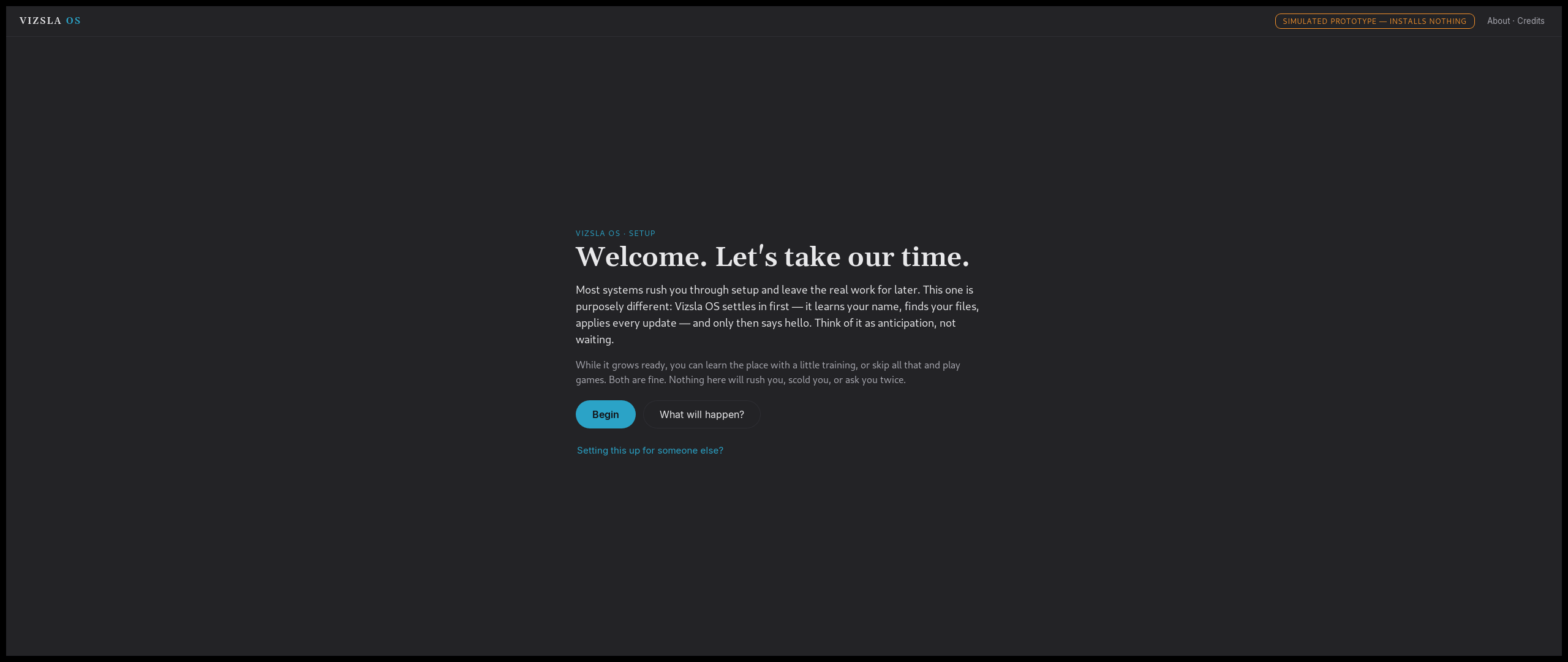
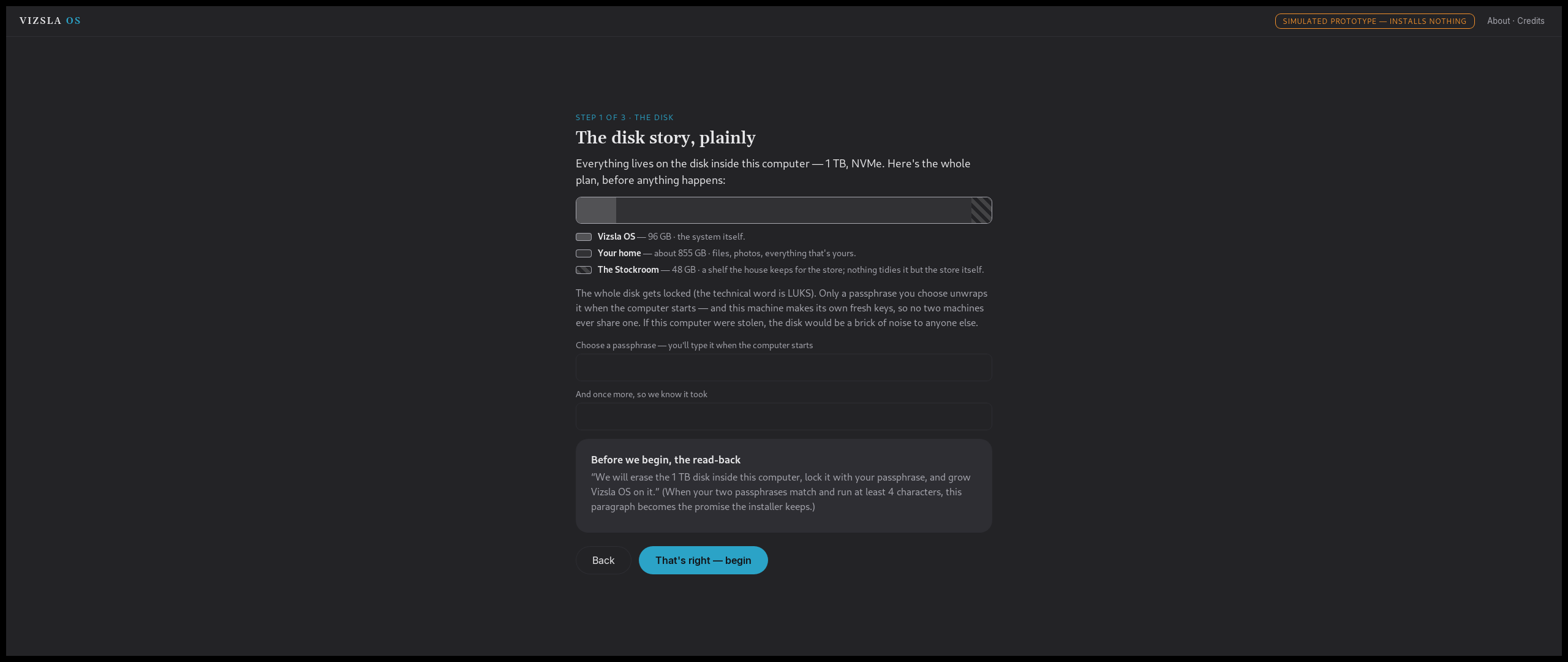
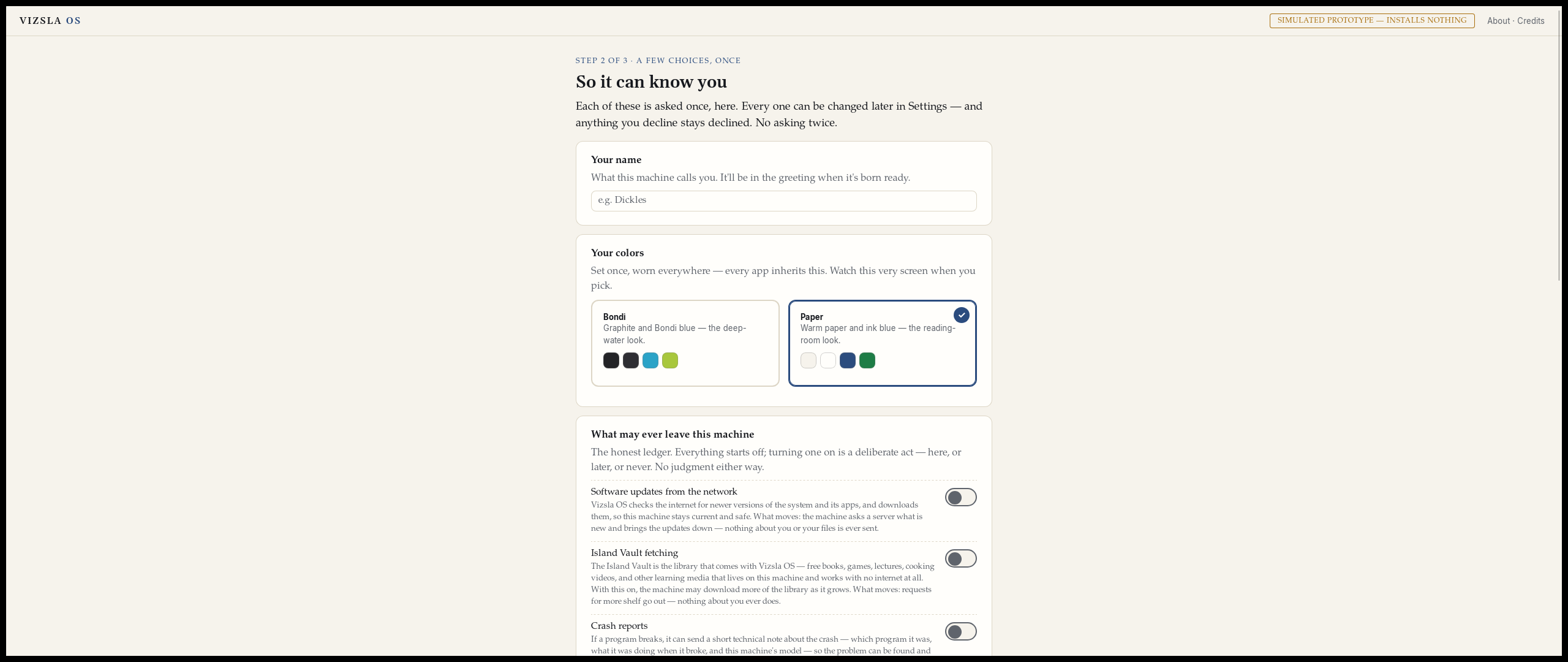
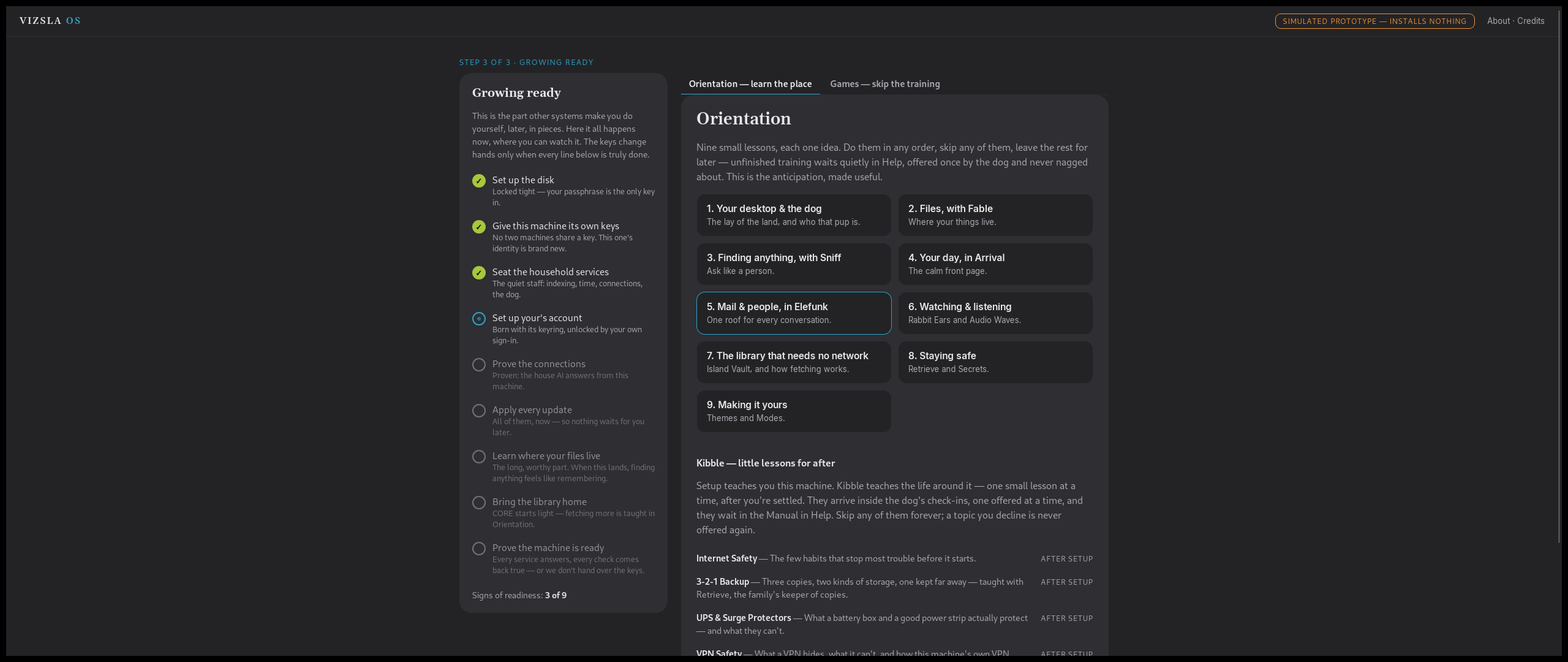
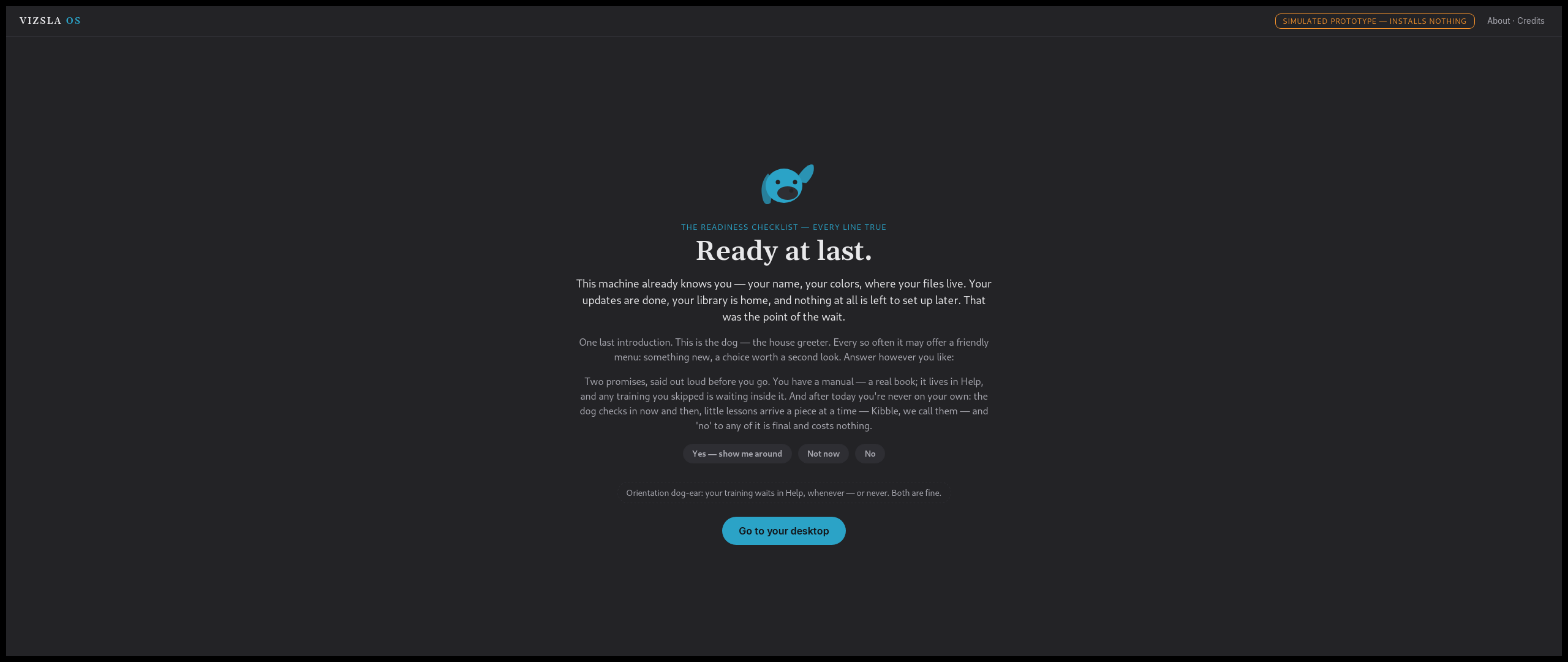
That is the experience being built, and it is deliberately unlike the usual install. Installing is treated as the first hour of living with the system — unhurried, with every step explained before it happens, never a progress bar and a prayer. If a helper is setting the machine up for someone else, the personal choices stay sealed for the owner to make at their own first sit-down. And while the machine works, it offers lessons — Orientation — so the waiting teaches you the system instead of wasting your afternoon.
A version note, stated plainly: the prototype has already been reshaped since these pictures were taken. The current design runs in two acts, with a restart between them. The pictures show the look and feel of the build that exists — not those newer screens, which have not been pictured yet.
There is no installer download, and this page will not pretend there is. One piece of Vizsla is already downloadable today: System Profiler — try it now.
Vizsla Ferry for Android
Ferry is the moving-in collector. On your Android phone (Android 8.0 or
newer) it gathers your texts and picture messages, your call log, your
calendars, your contacts, your photos, videos and music, your documents,
and a list of your apps — and packs all of it into one sealed
file: a .ferry capsule, encrypted with a passphrase
you choose.
The app works fully offline. It holds no internet permission, so it sends nothing anywhere — you carry the file to the new machine yourself, on a stick, in a folder, or in a cloud drive you pick. On the Vizsla side, that capsule is what first boot opens.
The app list deserves its own plain sentence: your Android apps themselves do not run on Vizsla. Ferry brings the list, so the new system can show you the Vizsla equivalents — what replaces what — instead of leaving you to guess.
And the honest partial, because partial is what moving house always is. Ferry is resumable, and a bundle that did not finish says it is partial. Some contact detail — structured names, organizations, and notes — does not survive the trip. Passwords come over only one honest way: Ferry walks you through your browser’s own password export and seals that file in. Passkeys do not migrate.
Status, plainly: version 1.1 exists as a real, signed Android app, and version 1.0 has already made a real run on a real phone. Ferry is not on Google Play yet — for now it is installed directly. Windows, Mac and Linux versions are coming soon: the bundle format was designed to be the same file on every platform from day one. There is no download button on this page, because there is no public download yet — when there is, it will be right here.